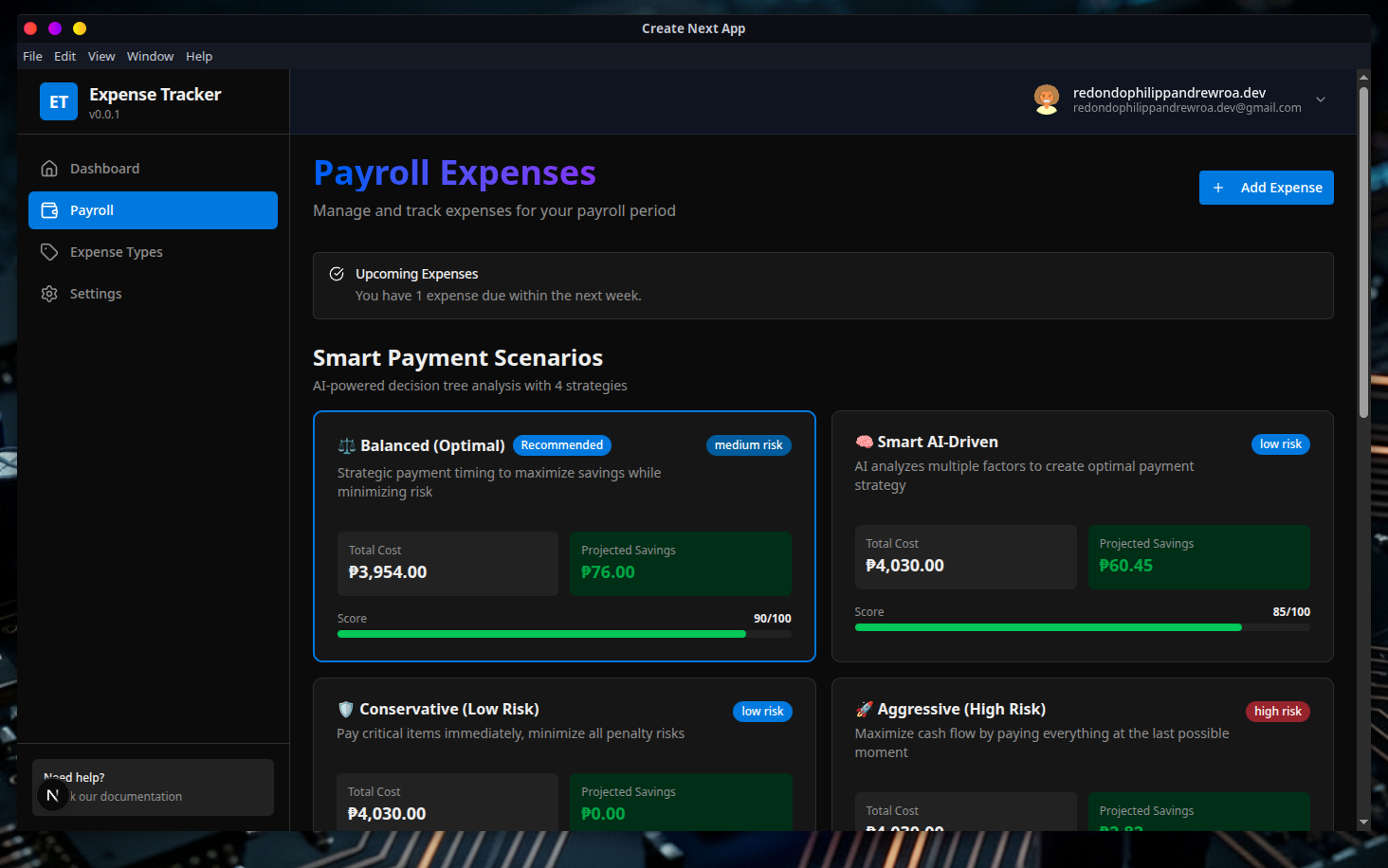
A modern, cross-platform desktop app for managing expenses, payroll, and budgets. Built with Electron, Next.js, and TypeScript.
From tracking daily expenses to managing monthly payroll, Expense Tracker provides a complete financial toolkit.
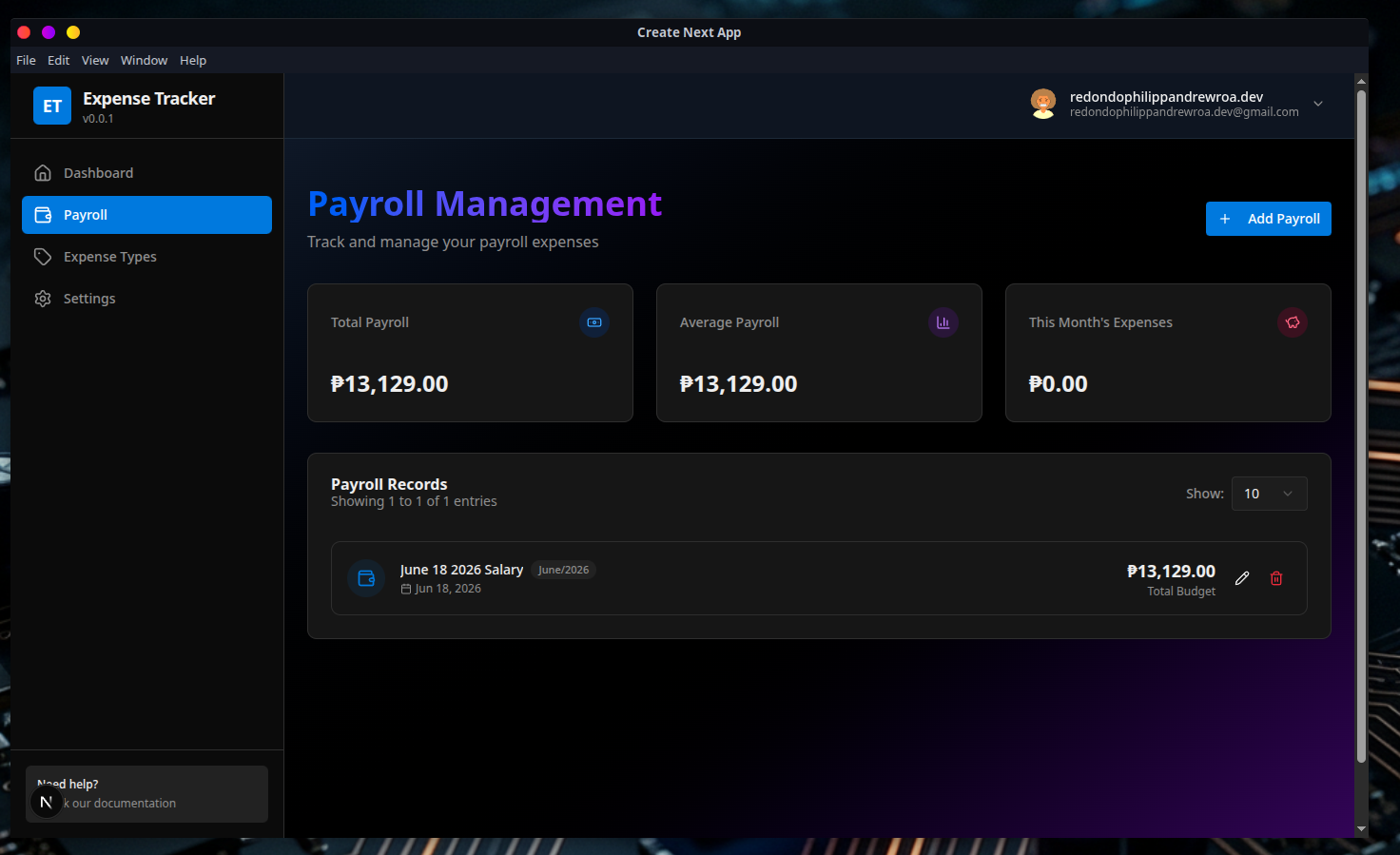
Create and manage monthly salary entries, track income across different time periods, and monitor budget allocation with detailed payroll history.
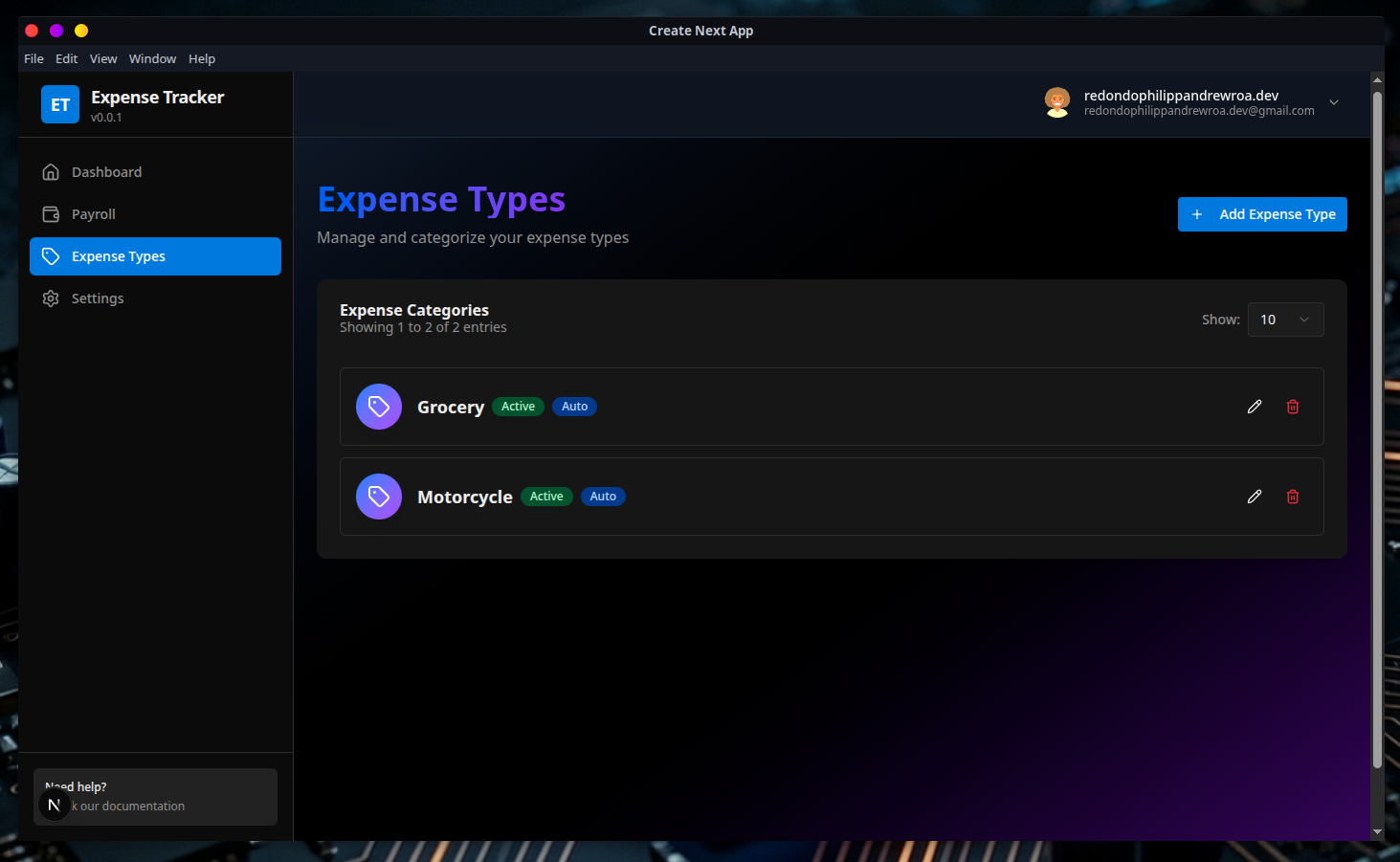
Track expenses by category with custom categories, quantity-based tracking, notes, and due date management for pending payments.
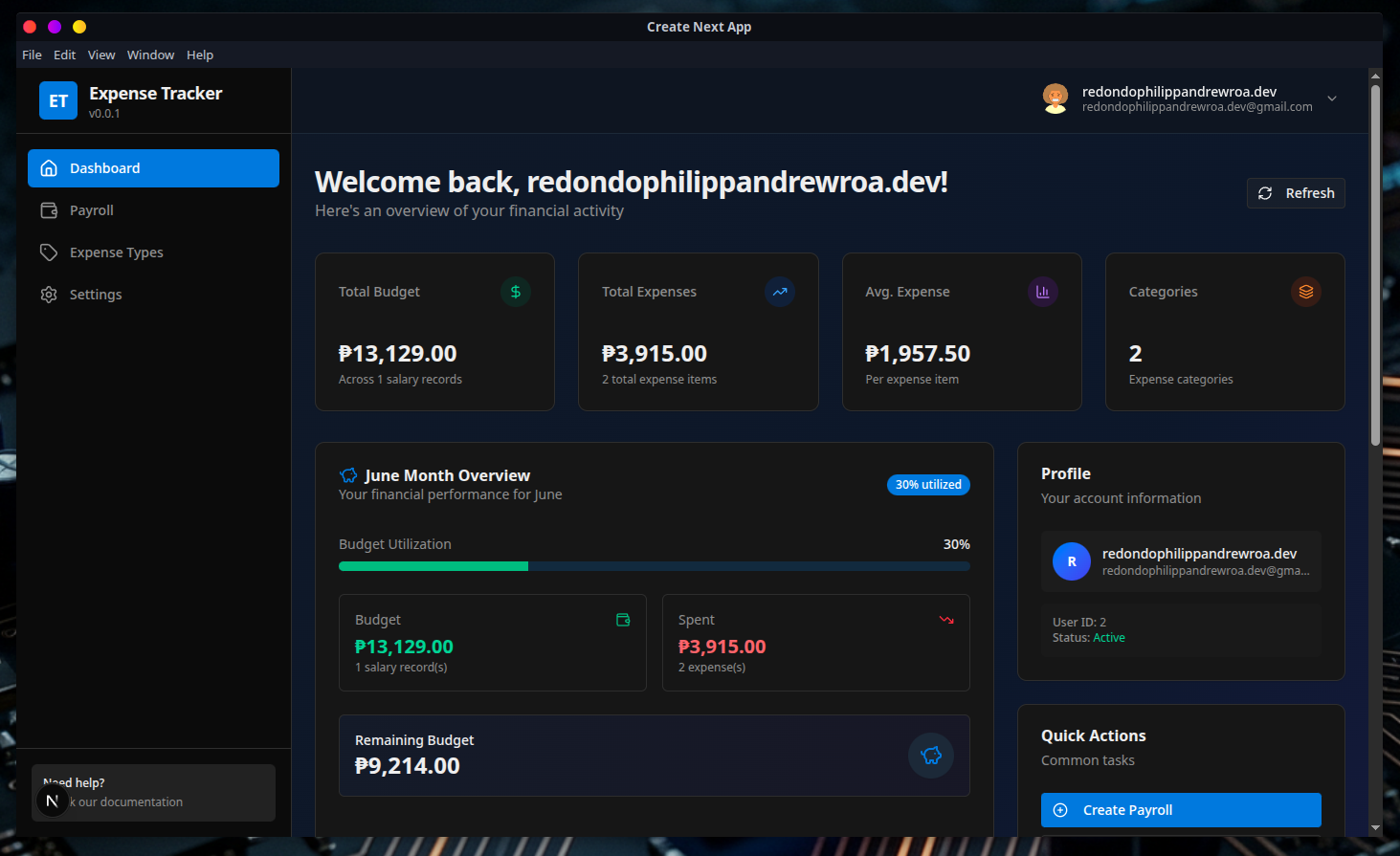
Real-time expense overview with budget vs. actual spending visualization, category-wise breakdown, and interactive charts powered by Recharts.
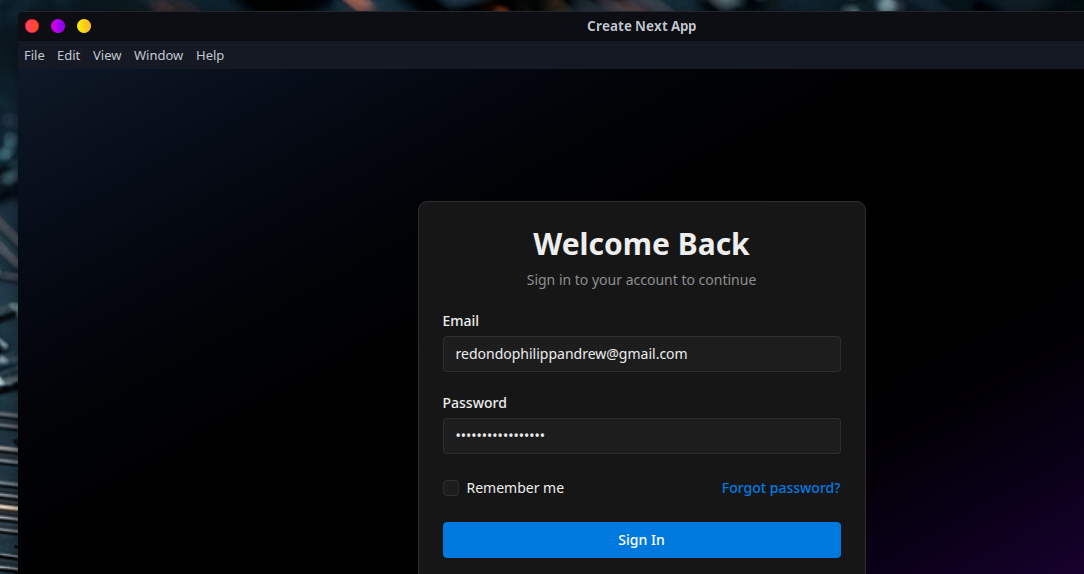
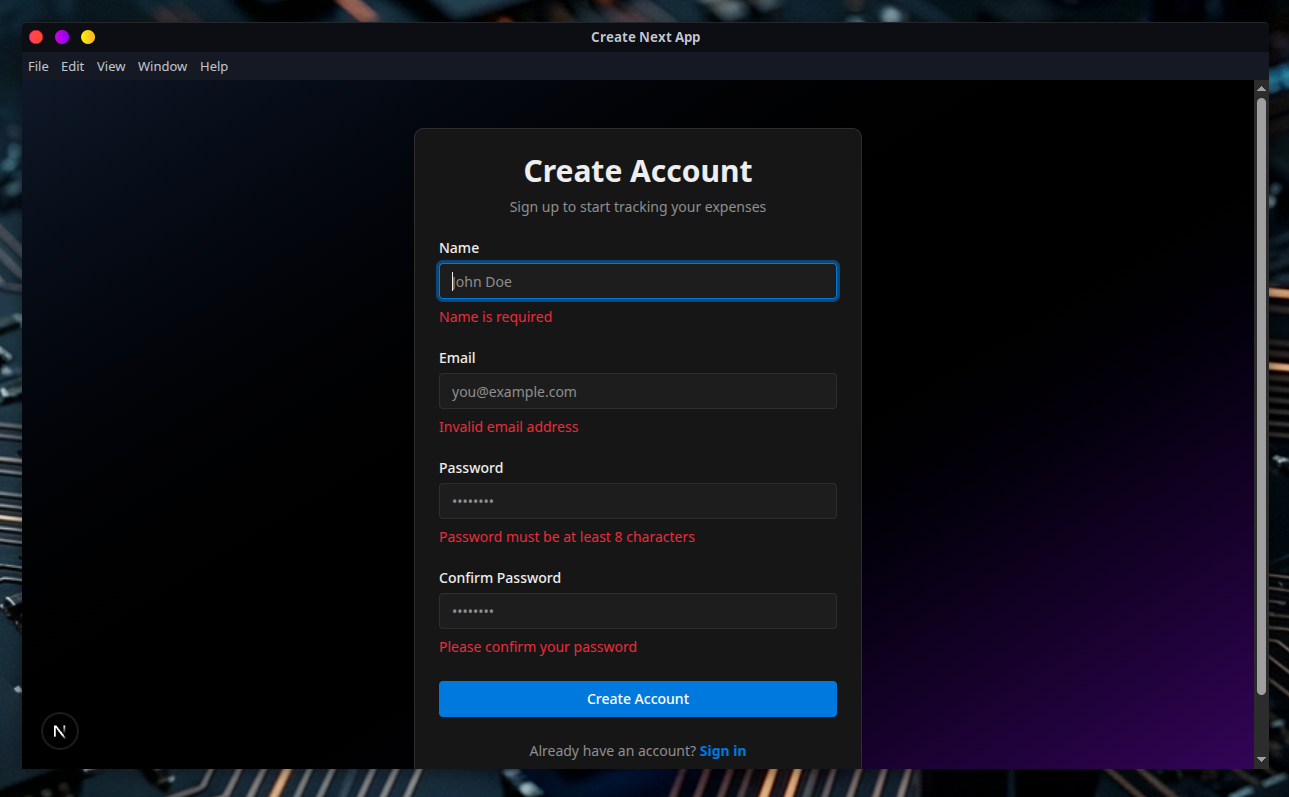
User registration and login with bcrypt password hashing, NextAuth.js session management, and protected API endpoints.
Clean interface built with Radix UI and shadcn/ui. Dark/light theme support, responsive design with Tailwind CSS, and accessible components.
All data stored locally using SQLite via Drizzle ORM. No cloud dependency โ your financial data stays on your machine.
Packaged with Electron, runs on Windows, macOS, and Linux. Combines the power of web technologies with native desktop capabilities.
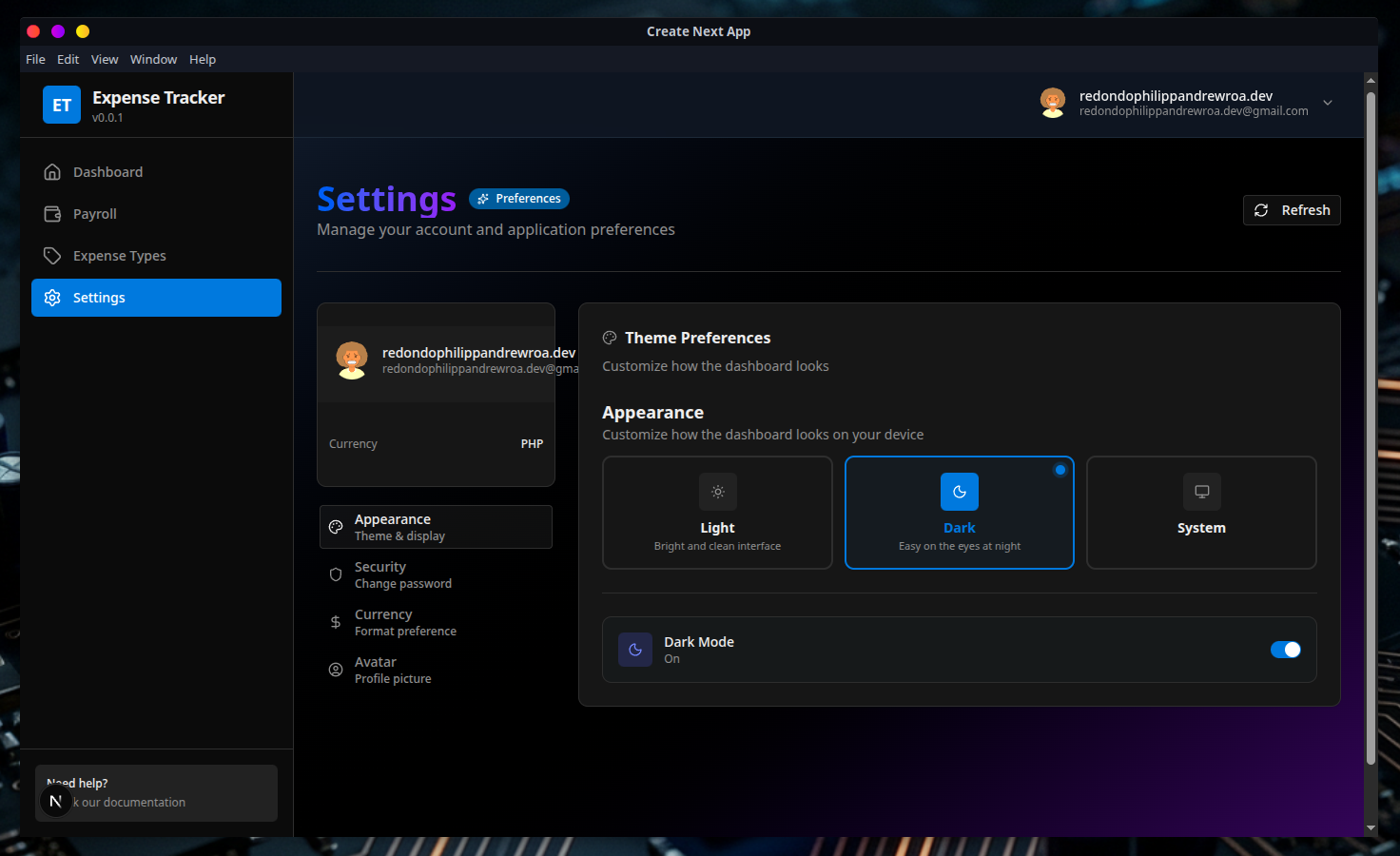
Switch between dark and light modes with next-themes. Designed for comfortable use day or night.
Full REST API for expenses, payroll, categories, and authentication. Built with Next.js API Routes for easy extensibility.
Follow these steps to install and run Expense Tracker on your machine.
Ensure you have Node.js (v20 or higher) and npm (or yarn / pnpm / bun) installed.
# Check your Node.js version
node --version
# Should be v20.x or higher
git clone https://github.com/HolliShake/expense-tracker.git
cd expense-tracker
npm install
# or
yarn install
# or
pnpm install
# or
bun install
Create a .env file in the project root:
# Database
DB_FILE_NAME=./local.db
# NextAuth Configuration
NEXTAUTH_URL=http://localhost:3001
NEXTAUTH_SECRET=your-secret-key-here
# Node Environment
NODE_ENV=development
You can generate a secure random secret with:
openssl rand -base64 32
# or use any random string
# Generate migrations
npx drizzle-kit generate
# Apply migrations
npx drizzle-kit migrate
This starts both the Next.js dev server (port 3001) and the Electron app simultaneously:
npm run dev
This uses concurrently to run:
http://localhost:3001Create an optimized production build with Electron Builder:
npm run build
This generates platform-specific installers for Windows (.exe), macOS (.dmg), and Linux (.AppImage / .deb) in the dist/ directory.
Every feature is backed by a clean REST API. Use these endpoints to integrate or extend the application.
?salaryId= filter)A glimpse into the Expense Tracker interface.